




Description
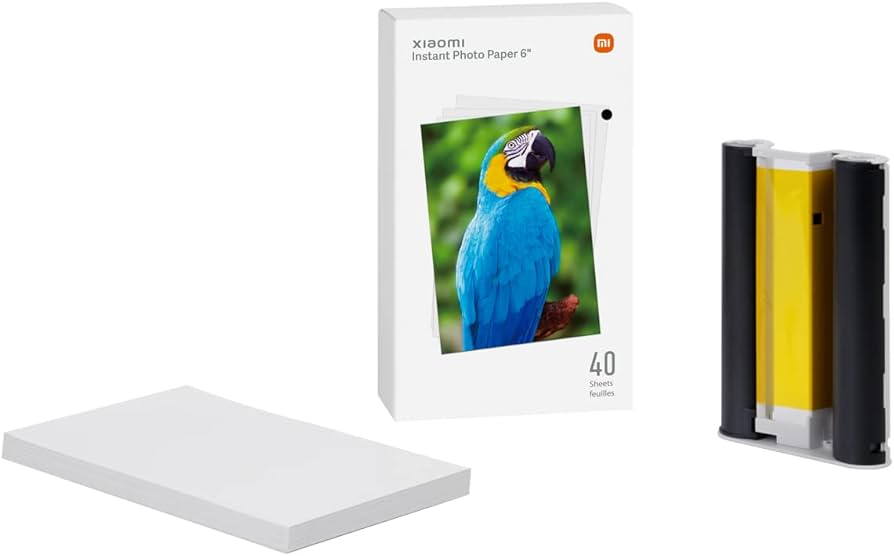
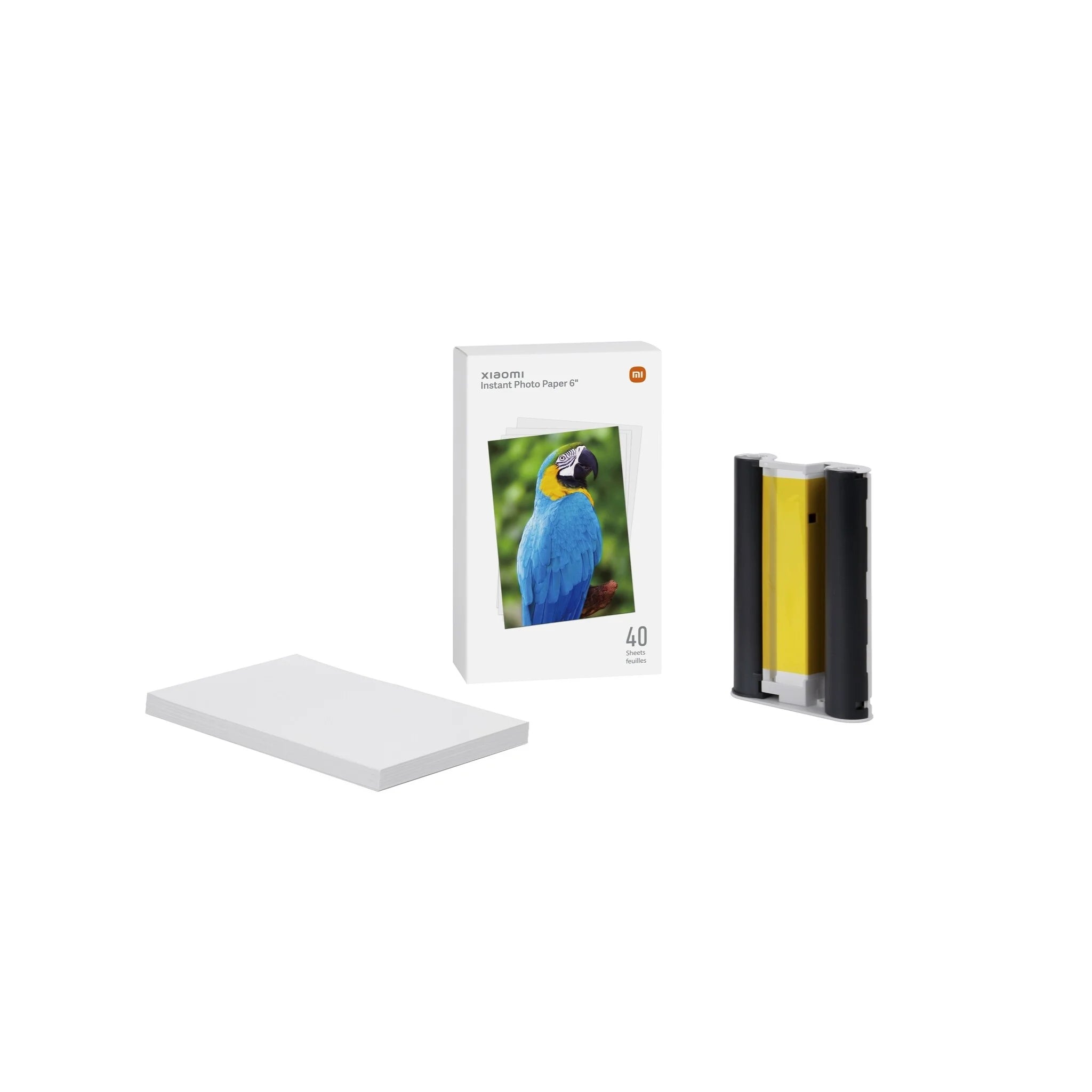
Xiaomi Instant Photo Printer 1S Set
6" Adhesive Photo Paper
& Ribbon Cartridge Set
Consistently great prints
- Classic 6" size
- Wide colour gamut
- Fade-resistant
Xiaomi specialised ribbon cartridges for wide colour gamut reproduction
- Xiaomi specialised high colour-density dye ribbon cartridges ensure wide colour gamut reproduction and combine with Xiaomi specialised photo paper to produce vibrant colours. Higher intensity reproduction of black tones makes layers in photos more distinct, provides greater detail in darker areas and improves image texture.
Xiaomi specialised photo paper for consistent colours
- Xiaomi specialised dye-sublimation photo paper is made from a stable and uniform paper base for accurate colour reproduction and consistent image quality. Light-effect surface processing delivers photos with stunning colours.
Dye-sublimation ribbon cartridges
for ink-free printing
- Dye-sublimation printing technology uses ribbon cartridges and printheads with 256 levels of temperature control to transfer coloured dyes to the printer paper. Stable, reliable and completely ink-free printing
Automatic photo lamination for durability
- Automatic photo lamination after printing to protect photos from moisture, fingerprints, light and airborne substances, meaning colours stay like new. No need to worry about memories fading over time.
Quick and easy ribbon cartridge replacement
- Ribbon cartridge replacement in two easy steps. The cartridge pops out automatically with a gentle touch of the finger. Foolproof design for easy cartridge replacement.
Installation steps
6" colour photo paper installation
- Step 1: Pull the paper tray holder open.
- Step 2: Rotate the holder 180° until it snaps to the paper tray bottom.
- Step 3: Open the paper tray cover and remove the 3" adhesive photo paper and 3" paper holder.
- Step 4: Load the photo paper into the paper tray with the glossy side up. Note: To prevent paper-feeding issues, do not insert more than 20 sheets of 6" photo paper into the holder. Do not touch anywhere inside the cut line on the photo paper.
- Step 5: Close the paper tray cover.
Ribbon cartridge installation
- Step 1: Open the ribbon cartridge compartment.
- Step 2: Insert the new ribbon cartridge and snap it in place (Note: To remove a ribbon cartridge, pull up on the orange tab).
- Step 3: Close the ribbon cartridge compartment.